
Upscaling and sharpness
Bigger product photos, always sharp.
Enlarge your product photos 2x or 4x: the output size follows the scale you choose, with crisp detail. Shapes, colors and materials stay exactly as they are, so your photos are ready for your online store.
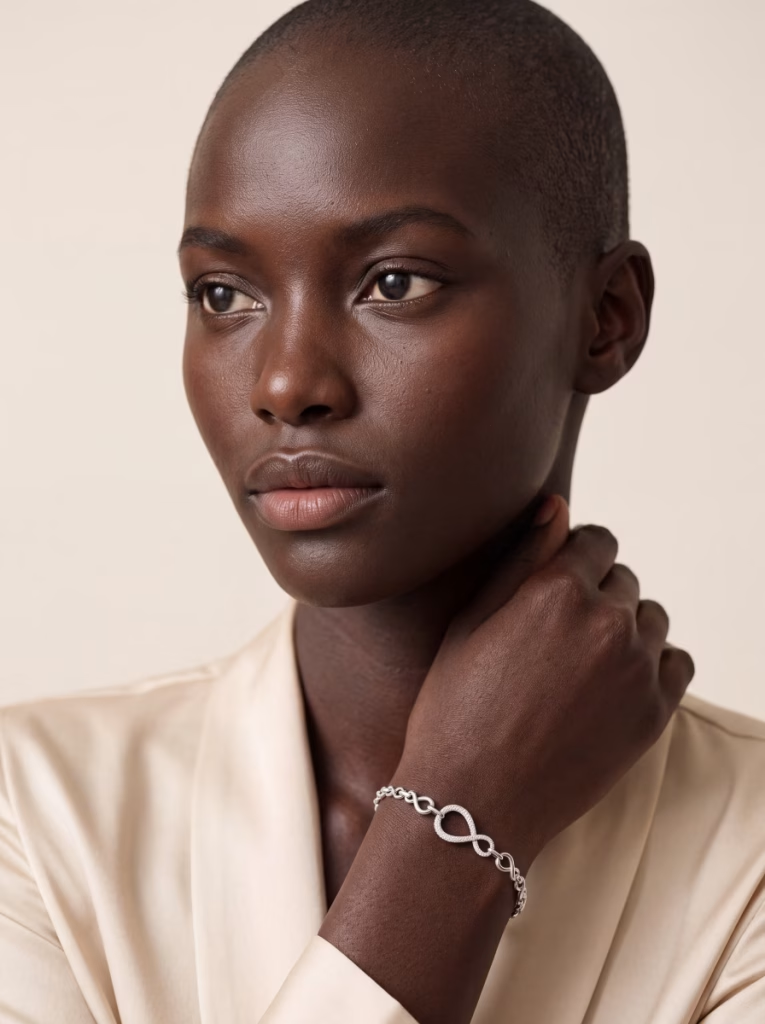
×2 or ×4
You choose the scale.
2000 × 2000
Maximum pixels for your starting photo.
Batch
A whole folder in one go.
100%
True to the original: shapes, colors and materials.
100% zoom
Every detail stays sharp, even up close.
Here is the full photo, then the same rhinestone-paved bracelet zoomed in at 100%: every stone keeps its outline and its sparkle. This is what your customers check when they zoom in on a product page.
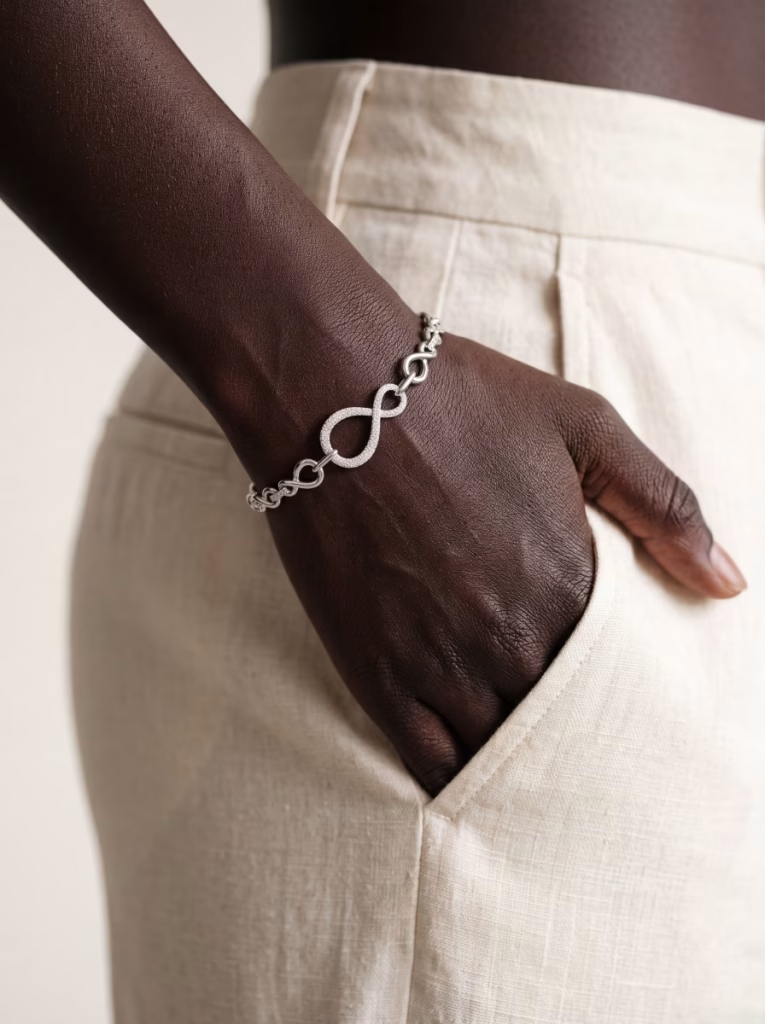
The full photo
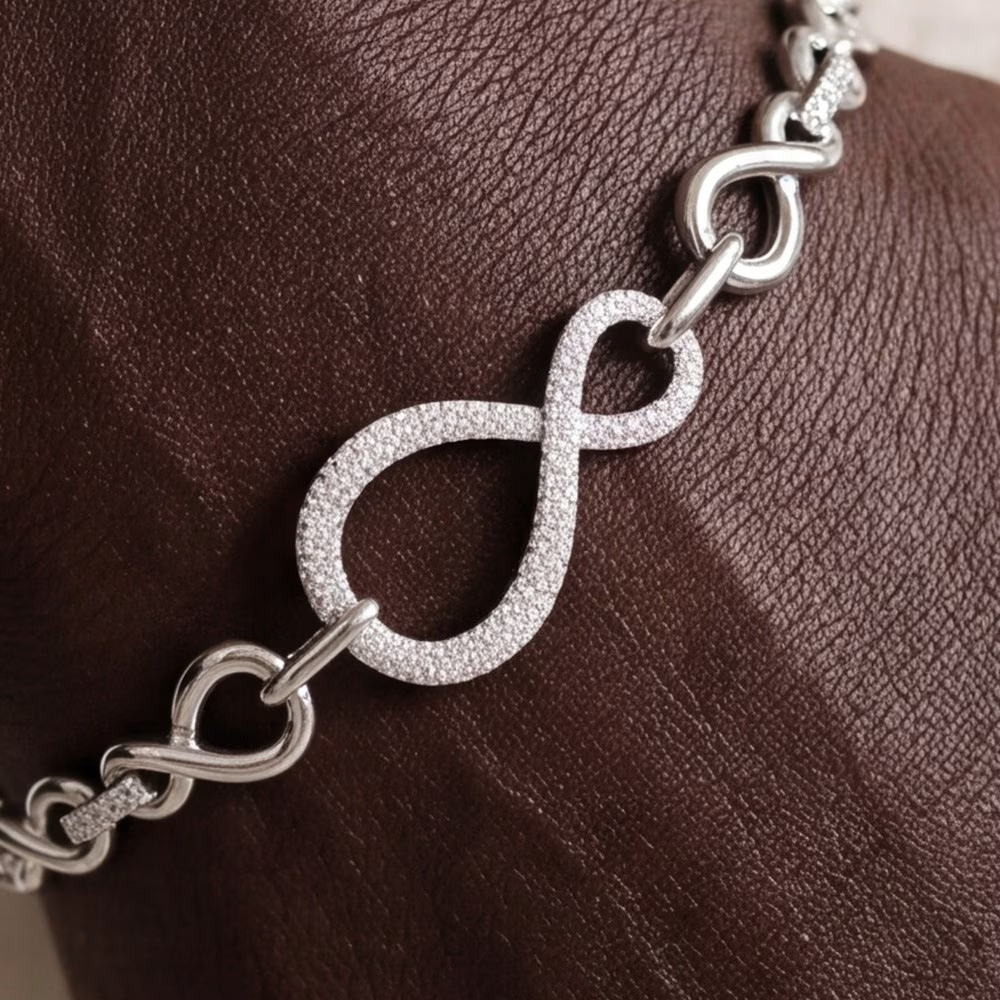
The detail, zoomed in at 100%
Jewelry, clothing, accessories, everyday objects: all your product photos.
What you get
Bigger photos, true to the original
01
Bigger
The output size follows the scale you choose: your original photo ×2 or ×4, for product pages, banners and full-screen layouts.
02
Sharper
Resolution and sharpness go up: edges stay crisp and fine details stay legible, even at high zoom.
03
True to the original
Shapes, colors and materials stay exactly as in your photo: everything is kept as it is.
04
Batch
A whole folder in one go. You find your files in your history, under the original name preceded by “parisia_”.
What your enlarged photos are for
Product pages with zoom
Banners and homepages
Newsletters
Marketplaces
Social media
Catalog already online, back in large size
In three steps
01
Upload
One photo or a whole folder, up to 2000 × 2000 px.
02
Choose ×2 or ×4
Then launch: one click is all it takes.
03
Get your photos
Your enlarged photos wait in your history, ready to download.
Frequently asked questions
Do my photos keep their original look?
Yes. Shapes, colors and materials stay exact, with the same framing: only the size goes up, with sharper detail.
×2 or ×4: which should I choose?
×2 suits most product pages and layouts. ×4 is made for full-screen banners and very deep zooms. The output size is your original photo's size multiplied by the scale you choose.
What size can my starting photos be?
Up to 2000 × 2000 pixels. The sharper the starting photo, the better the result.
Where do I find my enlarged photos?
In your Parisia history, where you can download them whenever you want, as a batch or one by one.
Which plan includes the tool?
Upscaling and sharpness is available with the Parisia Advanced plan.
The Parisia toolbox
A toolbox for your online store
Parisia brings together the tools that let you create photos that sell yourself: Jewelry, Replace the model, Clothing (ghost or flat lay to on-model), On-model photo retouching, Format resizing, Smart WebP.