Tool · Jewelry
Your jewelry, worn. Ready for your store.
One photo of your piece on a plain background. A few clicks. And your jewelry is worn by a model, in a wide shot and a close-up, ready for your online store.
Try Parisia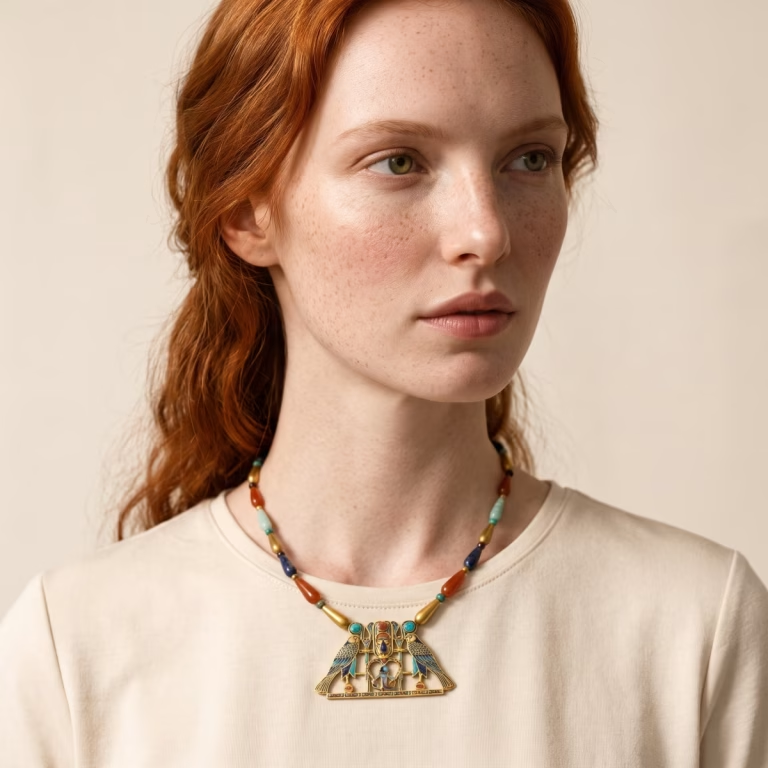
Example 1 · a Phoenician piece
Even a piece over 2,500 years old
To put the tool to the test, we picked an unexpected piece: a pair of Phoenician gold earrings from the 7th–6th century BC, held at the Metropolitan Museum of Art in New York. From archaeology to catalog photo.
Starting photo
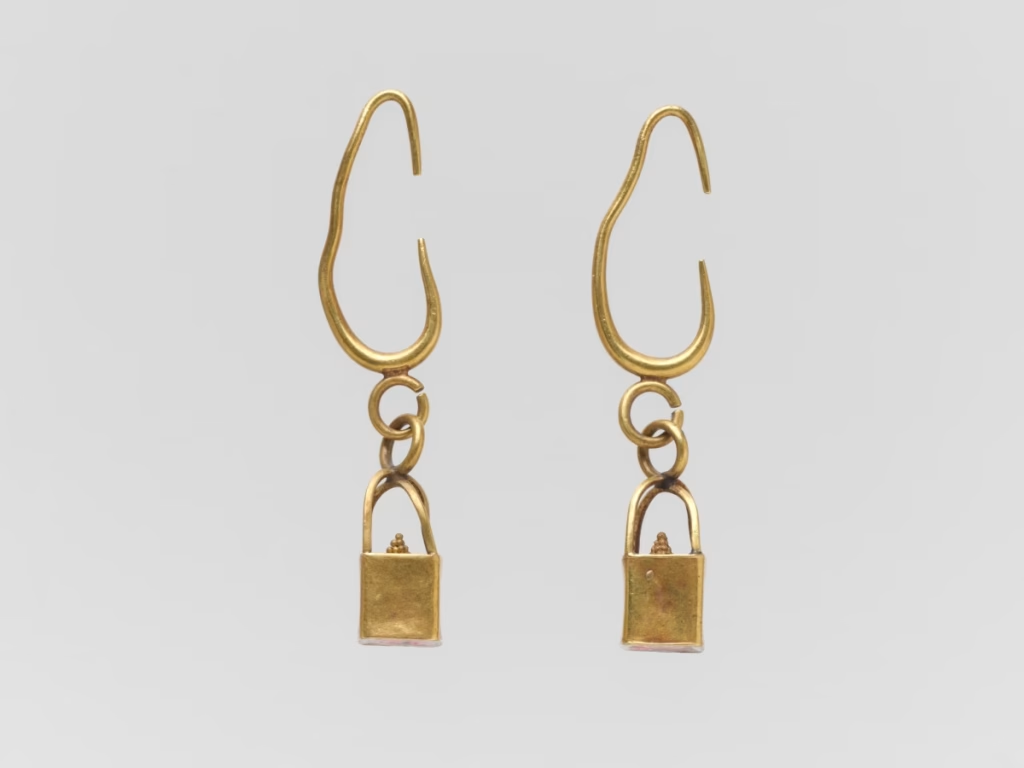
Result · wide shot
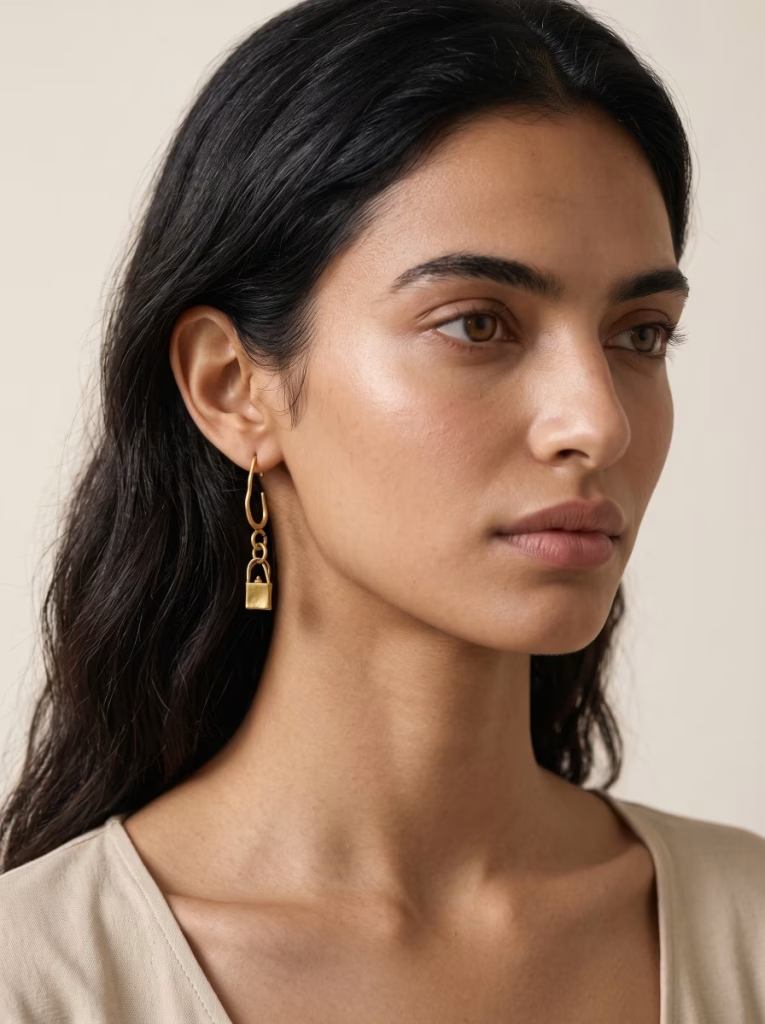
Result · close-up

Starting photo: The Metropolitan Museum of Art, Open Access (public domain) — Phoenician gold earrings, 7th–6th century BC, no. 95.15.317-318.
If it works on a piece from that era, it works on your collection. Supported jewelry types: necklaces and pendants, earrings, bracelets, rings, brooches and pins.
Example 2 · black background, 4K resolution
On a black background, in 4K
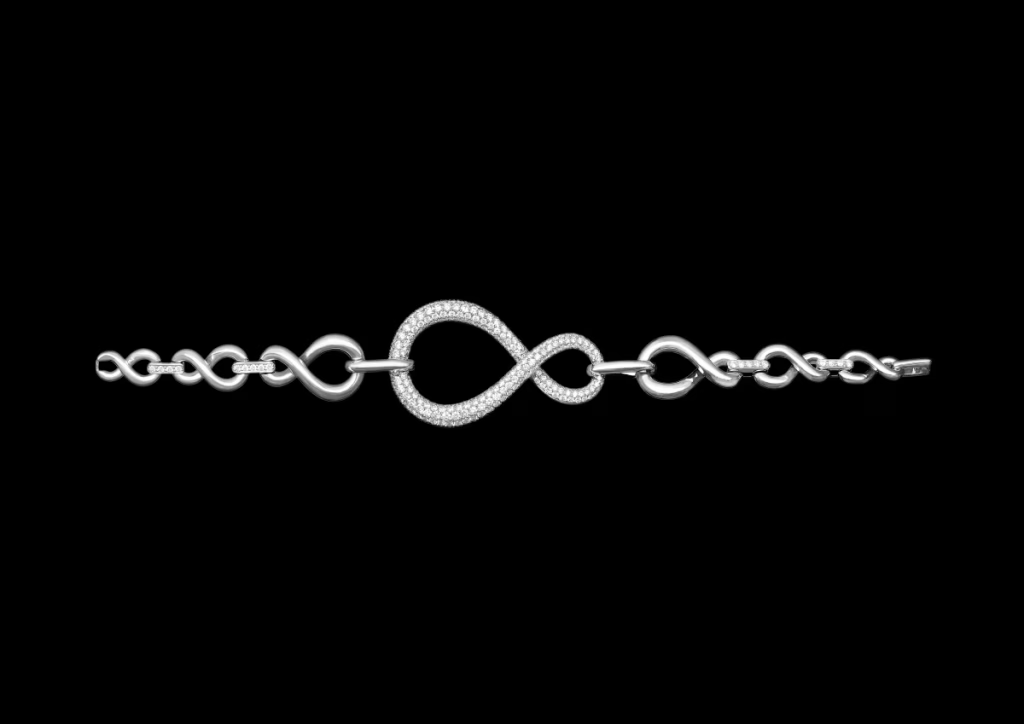
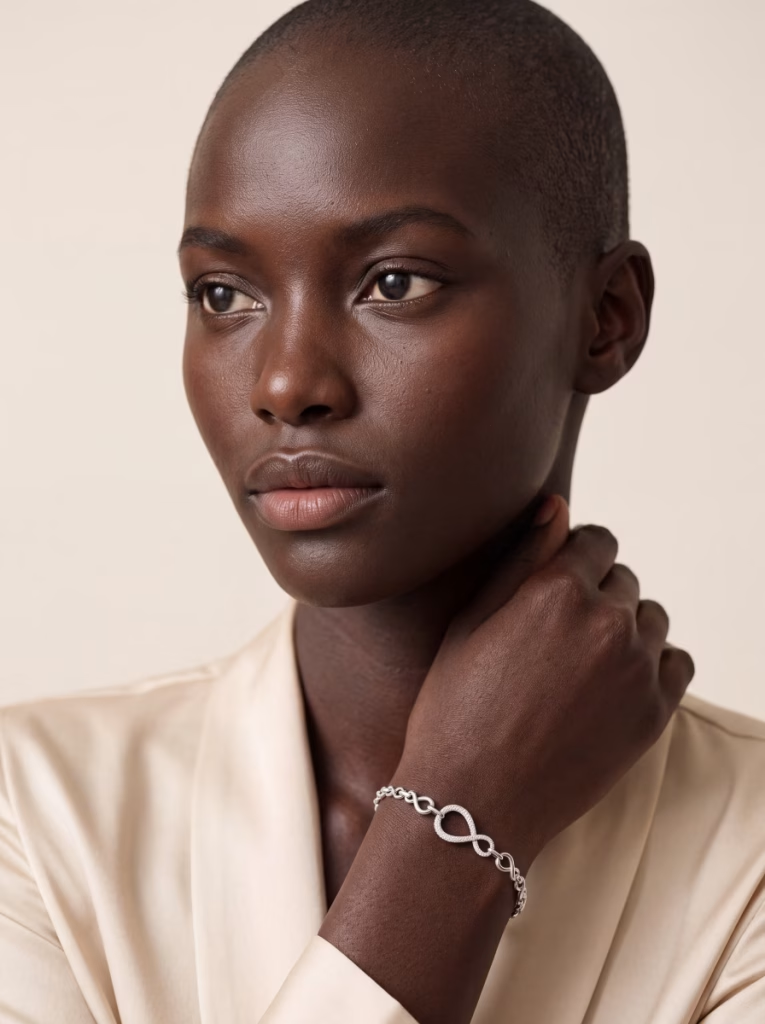
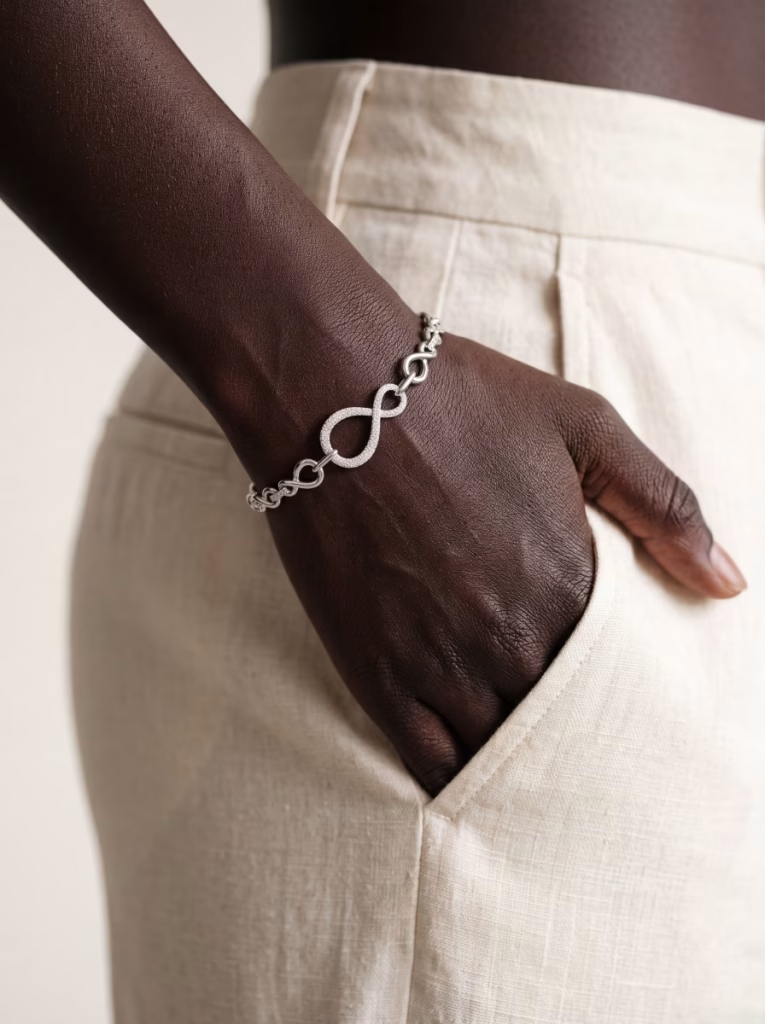
Is your photo on a black background? Great: a plain backdrop that makes the piece stand out gives excellent results. Here, a pavé-set silver bracelet, generated in 4K.
Starting photo
Result · wide shot
Result · close-up
100% zoom
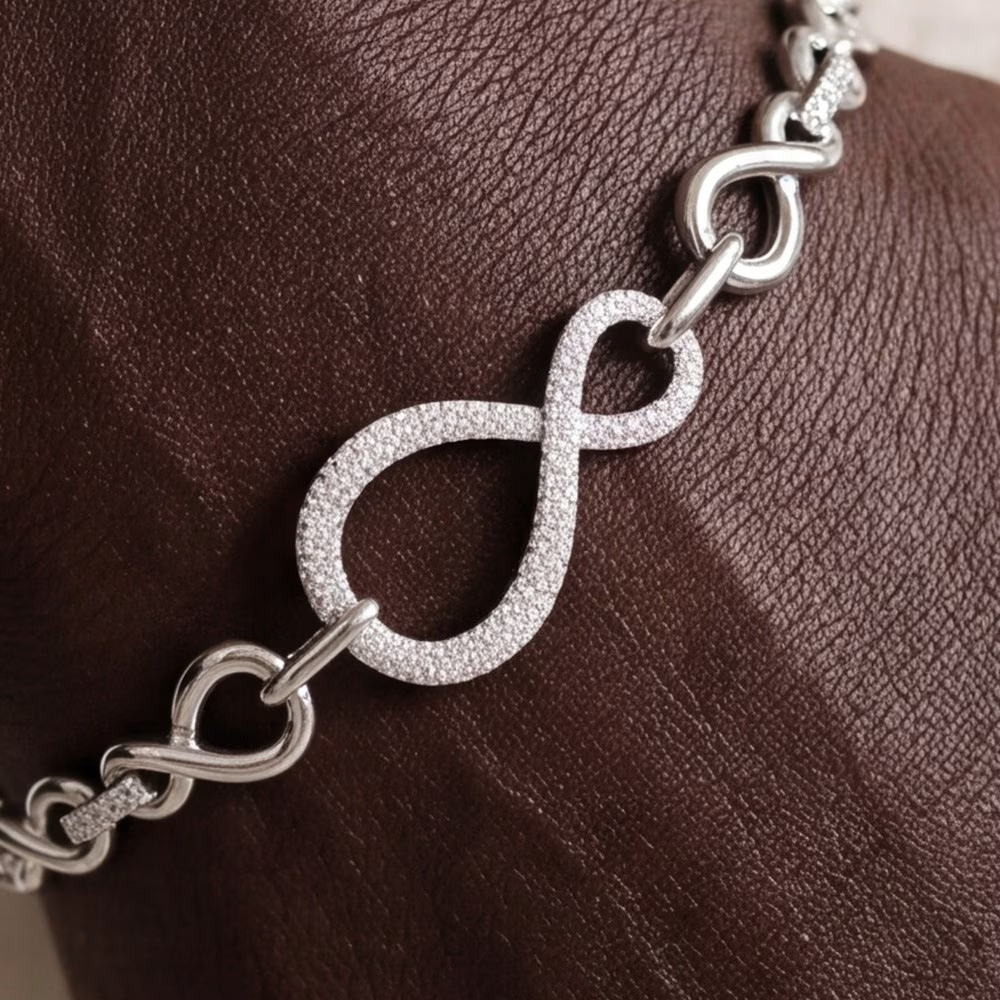
Better still, 4K lets you zoom in: every stone in the pavé stays sharp.
Example 3 · an archive photo
What about an imperfect photo?
Our third test: a gold snake bracelet from the Roman period (1st century AD), photographed long ago in a slightly blurry shot. The result is sharper, and the piece stays true to the original: the double coil, the snake's head, the wavy tail.
Starting photo
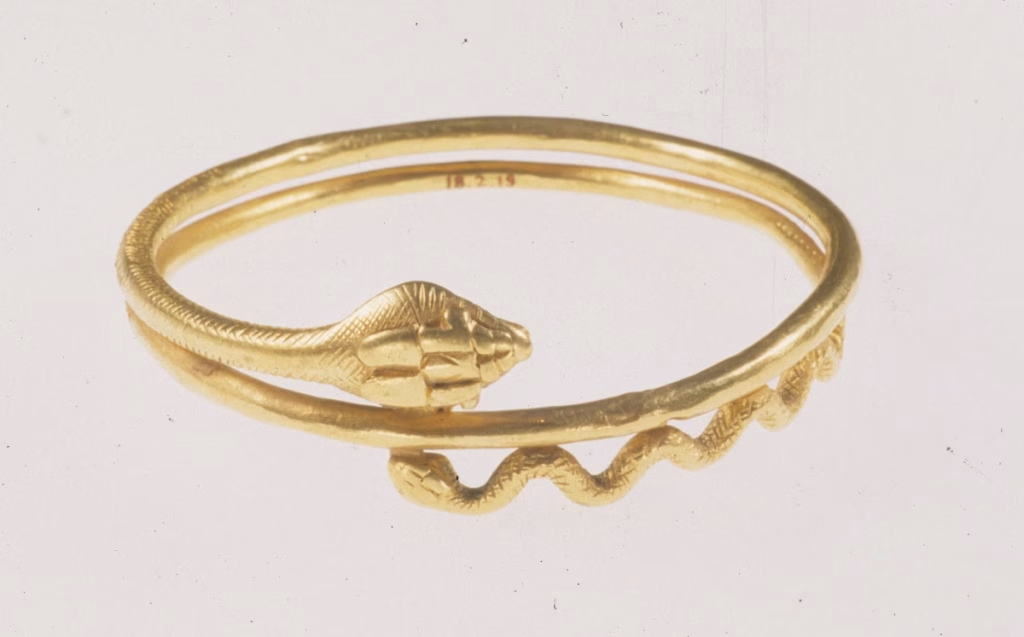
Starting photo: The Metropolitan Museum of Art, Open Access (public domain) — gold snake bracelet, 1st century AD, Roman period, no. 18.2.19.
Result

What you get
01
A wide shot and a close-up
Of your jewelry, worn. The wide shot sets the mood, the close-up shows off the product.
02
Faithful to your piece
Parisia is built to stay true to your piece: what you see in your photo is what you get in the result.
03
AI fashion models to choose from
Women and men, up to 100 to choose from depending on your plan, with new ones added regularly.
04
Attention to detail
With a long-haired AI fashion model, the hairstyle adapts so your earrings stay visible.
05
The format you need
Square for a product page, vertical for a landing page or social post… you choose.
06
From 2K to 4K
2K is plenty for the web; 4K (Pro and Advanced plans) lets you zoom in or print.
Where you'll use your photos
Your product pages and collection pages
Your marketplaces
Your social media and newsletters
Your catalogs and ads
In three steps
01
Choose your photo
A photo of your jewelry, ideally on a plain background.
02
Choose your AI fashion model
From the Studio, Atelier and Maison collections.
03
Choose your shots
Your views, your format and your resolution. That's it.
The AI fashion models in your plan
Starter
20
AI fashion models · Studio collection
Pro
60
AI fashion models · Studio + Atelier
Advanced
100
AI fashion models · Studio + Atelier + Maison
Collections stack: the higher your plan, the wider the choice. Every collection delivers the same rendering quality.
Frequently asked questions
What photo should I provide?
A sharp photo of your jewelry on a neutral background that makes it stand out. The better your starting photo, the better the result.
Will my jewelry look like the original?
Parisia is designed to respect your product: the details visible in your photo carry over to the final image. The more detailed your photo, the more detailed the result.
Can I choose the AI fashion model?
Yes, from women and men with a range of looks, depending on your plan. You can save your favorites to find them again easily.
What's the difference between 2K and 4K?
2K is enough for the web. 4K, available with Pro and Advanced, is ideal for zooming in and printing; it counts as two images in your quota.